Introducing Pet Portraits: Turn Photos into Masterpieces

We are thrilled to announce a brand-new feature to The Dog API: Pet Portraits.
You can now use our API endpoints to transform regular photos of dogs into beautiful, stylized portraits. Whether you're building a pet profile app or just want to offer a fun feature for your users, our new portrait generation endpoints make it seamless to create stunning artwork from uploaded images.
🎨 Available Styles
Our portrait generation supports several distinct artistic styles. Here’s a look at what you can create, using a beautiful Border Collie as our model!
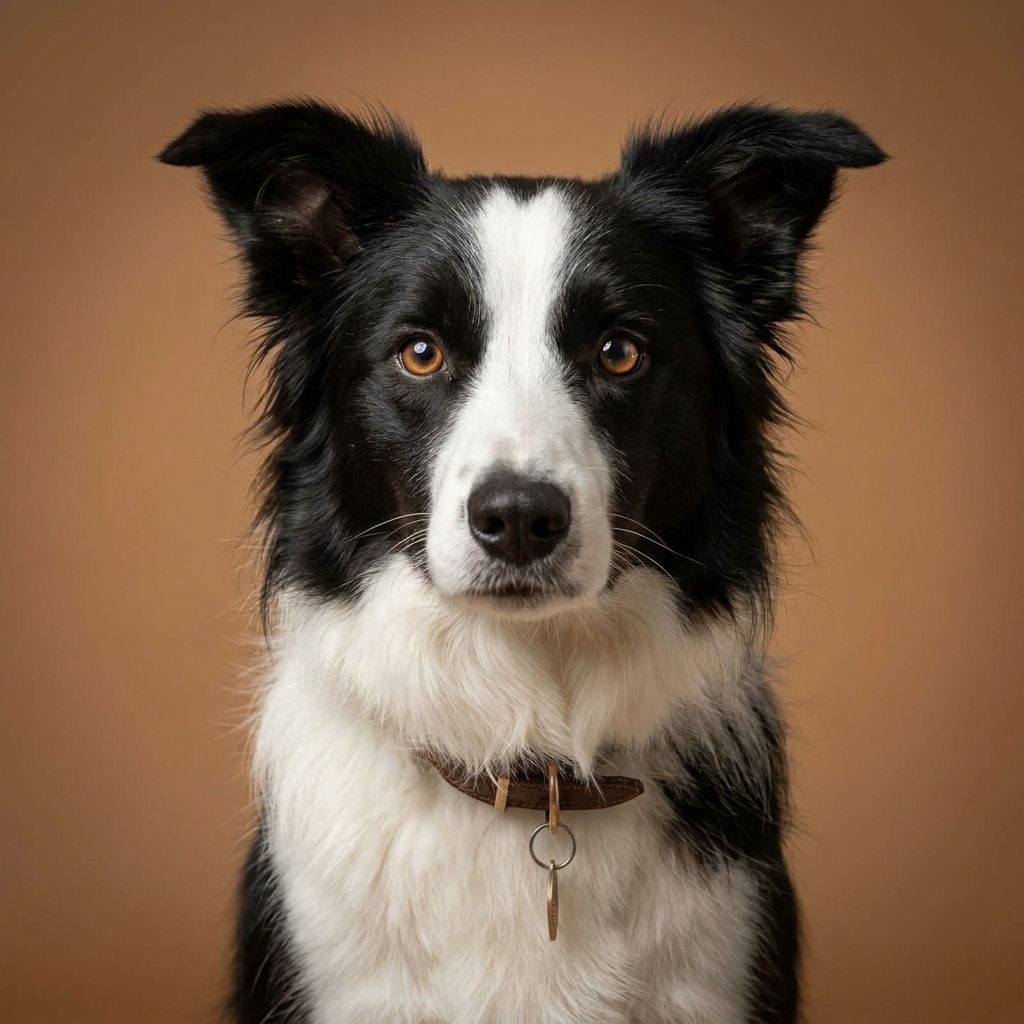
Studio
Create a clean, professional-looking headshot with beautiful lighting:
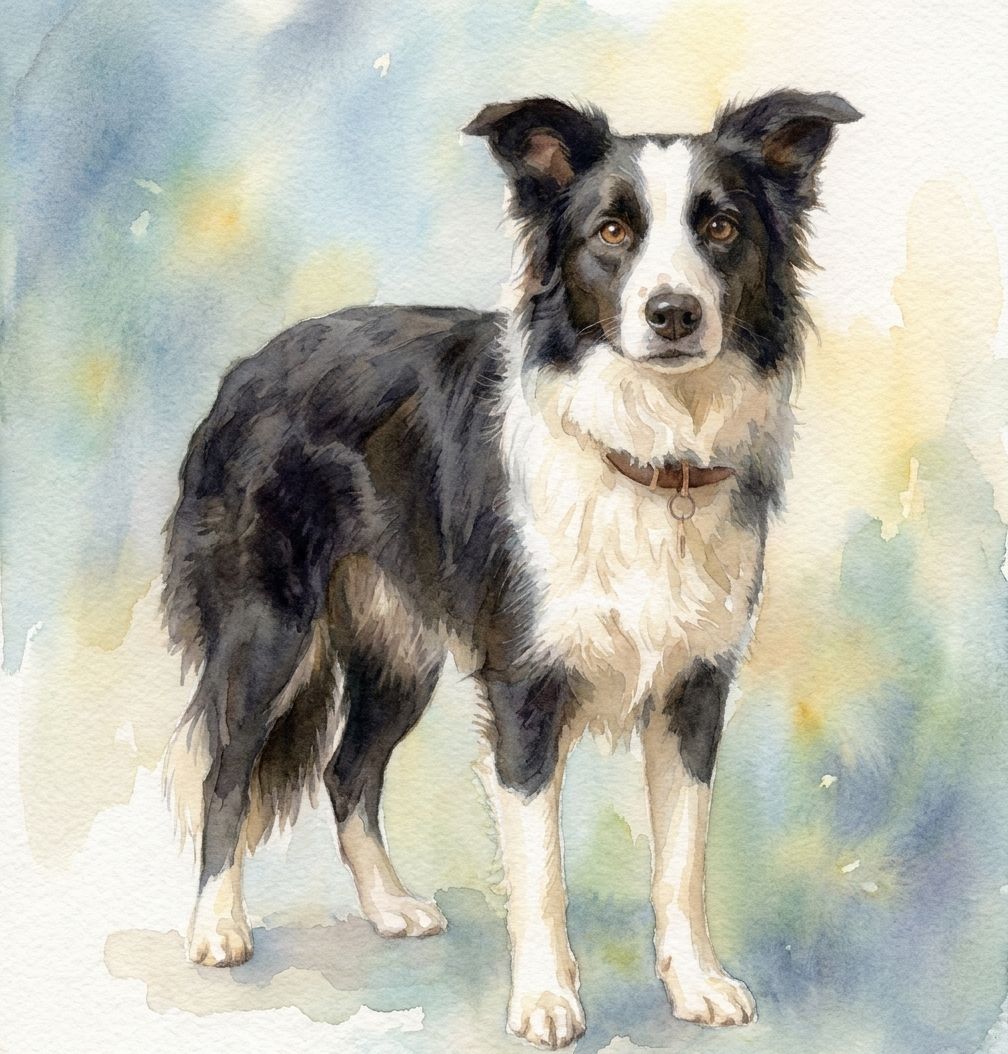
Watercolour
Transform the photo into a delicate and vibrant watercolour painting:
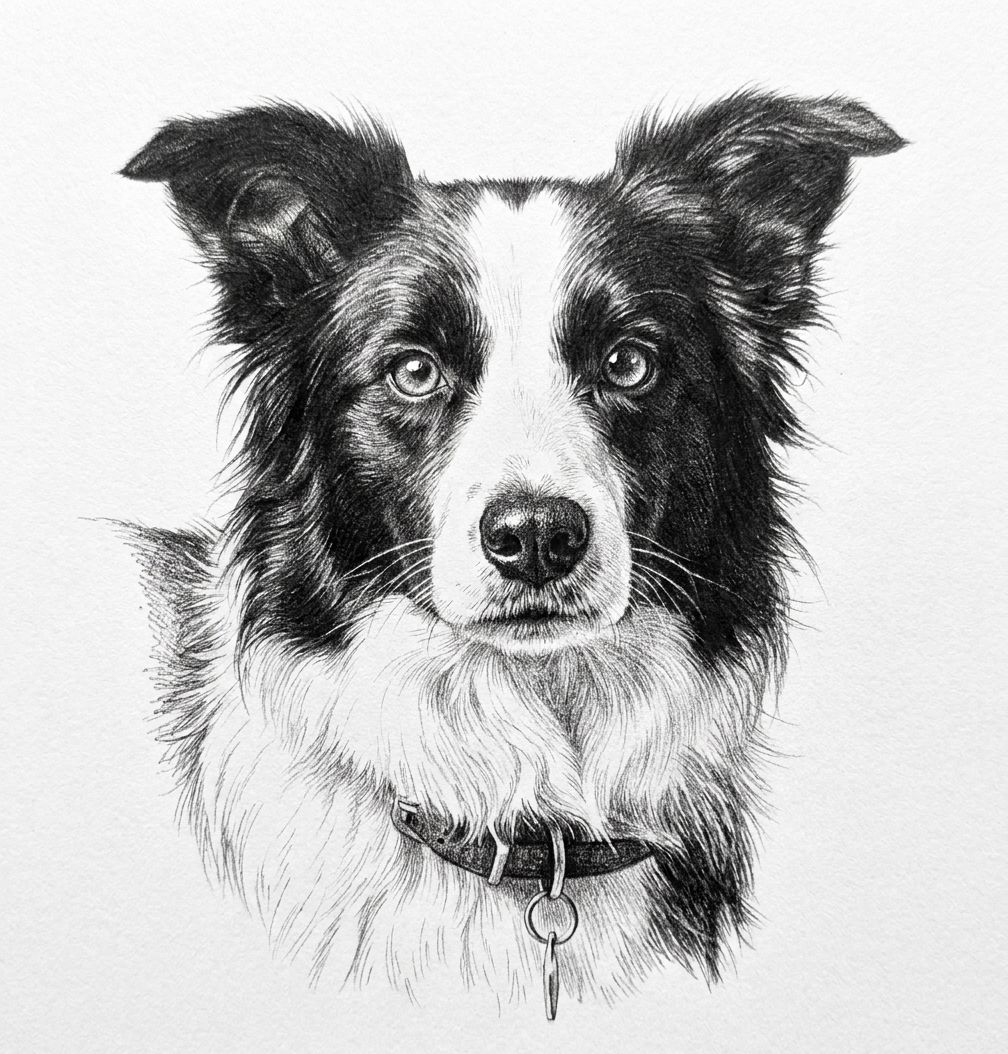
Pencil Sketch
Give the image a classic, hand-drawn pencil sketch appearance:
🚀 How to Use It
Generating Pet Portraits is a simple two-step process: you first create a Pet profile in the system with their initial photos, and then you call the portrait endpoint for that Pet.
1. Create a Pet Profile
First, create a pet via the API, attaching the original image you want to use. This provides the base image for our portrait generation.
curl -X POST -H "x-api-key: YOUR-API-KEY" -H "Content-Type: multipart/form-data" \
  -F "name=Buddy" \
  -F "description=A very good boy" \
  -F "images=@/path/to/front_view.jpg" \
  https://api.thedogapi.com/v1/pets
This request will return a Pet object containing an id (your pet_id) which you'll use in the next step.
2. Generate the Portrait
Once the pet is created, you can generate a stylized portrait by specifying the pet_id and your desired style (such as studio, watercolour, or pencil_sketch).
curl -X POST -H "x-api-key: YOUR-API-KEY" -H "Content-Type: application/json" \
  -d '{"style": "watercolour"}' \
  https://api.thedogapi.com/v1/pets/{pet_id}/portrait
And that's it! The API will return the generated masterpiece based on your uploaded image.
3. Maintain Consistent Poses Across Styles (Optional)
Want to generate multiple styles of the exact same pose? You can pass an array of image_ids containing the ID of a previously uploaded image or a generated portrait. This tells the system to use that specific image as the structural reference.
curl -X POST -H "x-api-key: YOUR-API-KEY" -H "Content-Type: application/json" \
  -d '{
    "style": "pencil_sketch",
    "image_ids": ["your_image_or_portrait_id"]
  }' \
  https://api.thedogapi.com/v1/pets/{pet_id}/portrait
This ensures that whether you're generating a watercolour or a pencil sketch, the pet's pose and composition remain beautifully consistent!
If you'd like to see a complete implementation, check out our open-source Pet Portrait Example codebase that demonstrates exactly how to interact with these endpoints to generate these amazing styles.
We can't wait to see the beautiful portraits you and your users create!